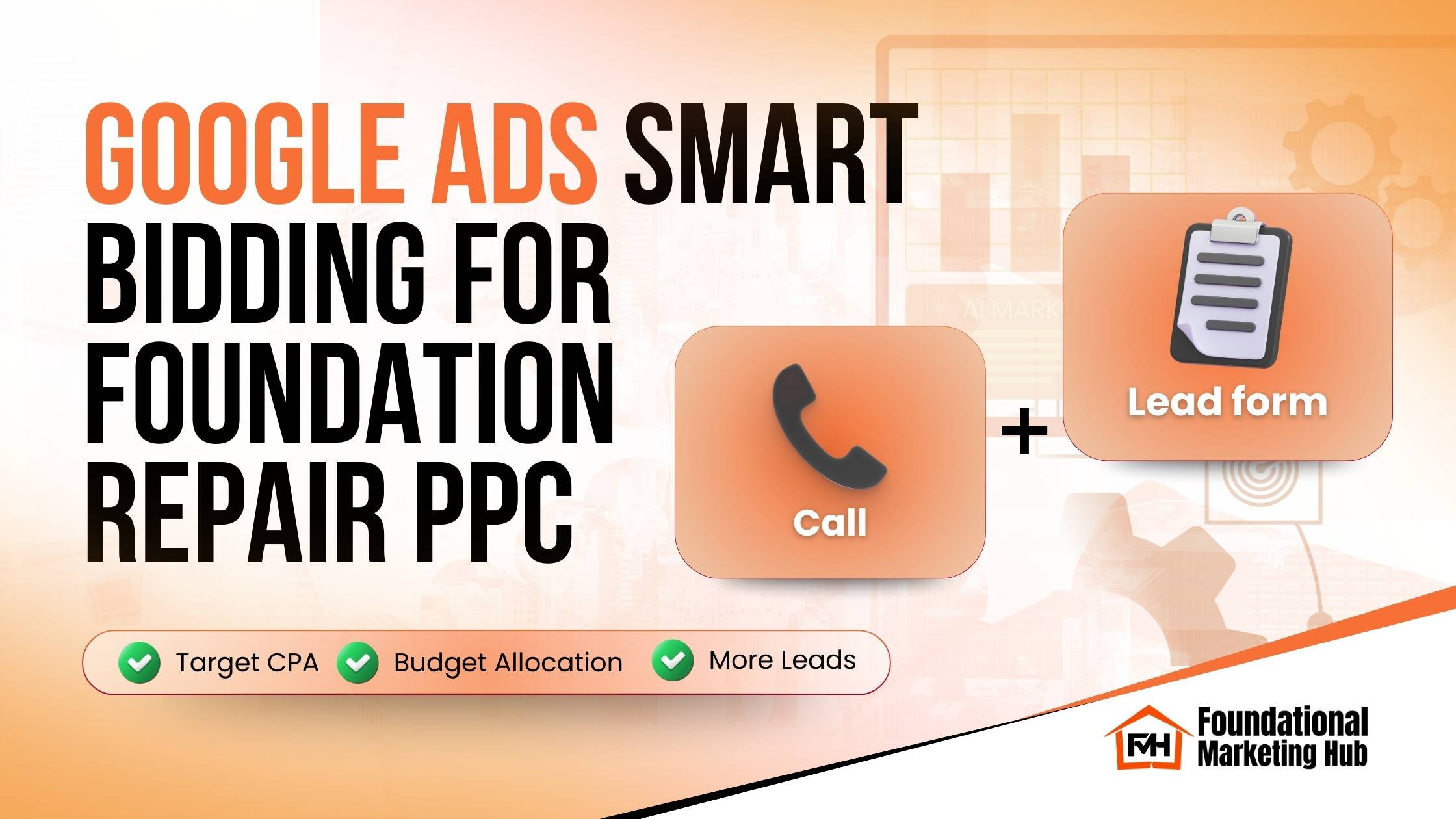
Google Ads Smart Bidding for Foundation Repair PPC: Target CPA, Budget Allocation, and More Leads
If you are running foundation repair PPC (or basement waterproofing PPC) and you feel like you are paying for a lot of clicks but not enough real leads, the fix usually is not “spend more.” The fix is making Google optimize for the right outcomes, then giving it the structure and data it needs to do its job.
Why “Smart Bidding” matters for foundation repair PPC
Most foundation repair leads are urgent. Homeowners search when something is wrong right now: cracks, water, settling, sticking doors, bowing walls. That urgency is good for PPC, but it also makes costs rise quickly because multiple contractors compete for the same high-intent searches.
Google Ads smart bidding helps because it uses real-time signals (device, location, time of day, audience behavior, and more) to bid higher when a searcher is more likely to convert and bid lower when they are not.
The catch is simple: Smart bidding only works when your tracking is clean and your campaigns are structured for lead quality, not just volume.
What is Google Ads Smart Bidding?
Smart Bidding is Google’s automated bidding system that optimizes bids for conversions. The main Smart Bidding strategies most contractors use are:
Both can work for foundation and waterproofing campaigns. The best choice depends on how much conversion data you have and how stable your lead tracking is.
Step 1: Fix your conversion tracking before touching bidding
This is the step most contractors skip, and it is the reason smart bidding fails. If Google is optimizing for the wrong “conversion,” it will confidently send you more of the wrong thing.
Track the conversions that actually produce revenue
At minimum, your Google Ads account should track:
1) Phone calls
2) Forms
3) Lead quality (best practice)
If possible, use offline conversion tracking so Google can learn what a qualified lead looks like:
Common tracking mistakes that break Smart Bidding
Quick check: If your conversion list includes things like “page_view” or “engaged_session” as Primary conversions, fix that first.
Step 2: Choose the right smart bidding strategy
Option A: Start with Maximize Conversions bidding
Use this when:
What to watch:
Option B: Switch to Target CPA (tCPA) for control
Use this when:
Target CPA is often the best long-term play for foundation repair PPC, as long as tracking is clean.
Step 3: How to set a Target CPA bidding strategy (the right way)
One of the fastest ways to tank performance is setting a Target CPA that is too aggressive too quickly. If you do, Google throttles impressions and you lose volume.
A practical way to set your first tCPA
- 1
Look at the last 30 days of performance (or your last stable period).
- 2
Find your average cost per lead.
- 3
Set your initial Target CPA slightly higher than your recent average.
Example logic:
Important: Do not change everything at once
When you turn on Target CPA, avoid making major changes for at least a week:
Step 4: Google Ads budget allocation that actually improves ROI
A big part of “stop wasting money” is moving budget away from campaigns that look busy but do not produce quality leads.
What to prioritize first
For foundation and waterproofing, budget typically performs best in this order:
How to identify winners and losers
Do not judge campaigns only by clicks or CTR. For contractors, focus on:
Simple budget allocation rule
Remember: PPC works best when it supports a larger lead engine. If you want additional ways to generate leads beyond ads, this guide pairs well with PPC: Foundation Repair Marketing Strategies
Step 5: Use PPC A/B testing to improve conversion rate
Smart bidding cannot fix weak messaging. If your ads and landing pages do not speak to the homeowner’s problem, Google just finds more people who click and do not convert.
What to A/B test first (highest impact)
1) Headlines
2) Descriptions
Focus on outcomes and reassurance:
3) CTAs
Rotate and test:
The goal: improve conversion rate so you get more leads at the same spend, or the same leads at a lower CPA.
Step 6: Extensions that boost leads without raising CPC
Your SEMrush list is spot on here. Extensions often lift CTR and conversion rate, especially in urgent local services.
Google Ads call extensions (call assets)
Many homeowners want to talk to someone immediately.
Best practices:
Location extensions Google Ads (location assets)
Local trust matters. Location assets help with “near me” intent and reassure the searcher you are real.
Best practices:
Sitelink extensions best practices
High-converting sitelinks for foundation and waterproofing:
Each sitelink should go to a page that matches the intent.
Callout extensions examples (trust builders)
Use only what is true:
Lead form extensions Google Ads
Lead forms can work, but they can also generate junk if you make it too easy.
Best practices:
Step 7: Landing page relevance is the “silent killer” of smart bidding
Even the best bidding strategy cannot overcome a weak landing page match.
Match the ad promise to the page
Examples:
High-converting landing page elements for contractor PPC
Above the fold:
Other essentials:
A simple 30-day plan to get smart bidding working
Week 1: Tracking and cleanup
Week 2: Stabilize Maximize Conversions bidding
Week 3: Improve conversion rate
Week 4: Move to Target CPA bidding strategy
Google vs Meta Ads (quick guidance)
If you are deciding where to spend: Google Ads captures intent, while Meta can generate demand and support remarketing. Smart bidding is one piece of a full paid strategy. If you are also running paid video campaigns across YouTube, Facebook, Instagram, and TikTok, you will want to align your offer and tracking across platforms. Here’s a related guide: Paid Video Ads for Foundation Repair: Get More Leads with YouTube, Facebook, Instagram & TikTok.
Want help applying this with real FMH benchmarks?
If you want more leads without wasting money on clicks, the fastest path is a quick audit of your tracking, bidding setup, extensions, and landing pages.
Book a 15-minute Discovery Call with Foundational Marketing Hub and we will help you identify what is holding your campaigns back and what to fix first:
Note: PPC performance varies by market, competition, and seasonality. These strategies work best when conversion tracking and lead quality measurement are set up correctly.